
Area inputs and a short recall sequence
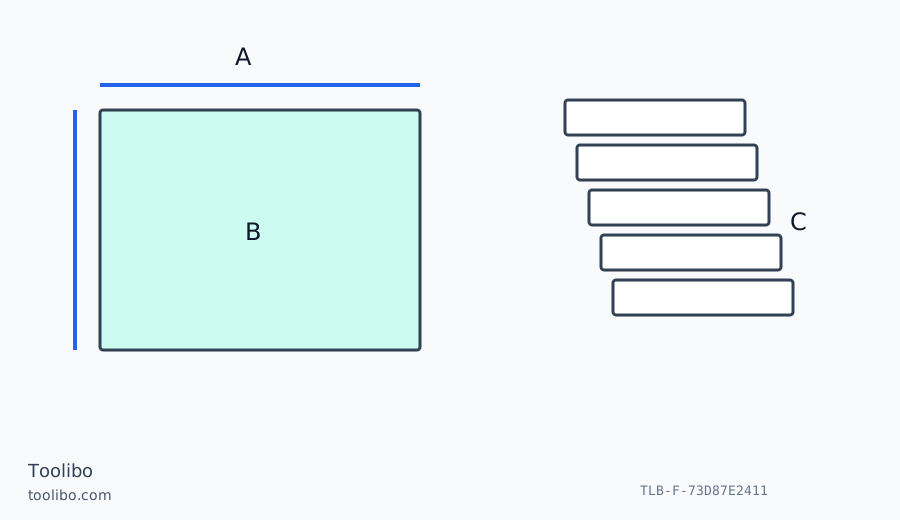
Two perpendicular floor dimensions lead to a shaded area, alongside a stack of five recalled-result positions.
A
Retain the two area inputs.
B
Keep the calculated quantity distinct from a length.
C
Identify each recalled result before using it.
An area result still needs its input lengths; a short history does not supply room labels.
Keep the two documented regional records separate
This comparison uses the Mexico LD030P product record and its matched operating sheet, alongside the New Zealand LD050P product record and the exact-model English manual hosted by Makita UAE. The latter supports the documented operating functions, not an assumption that packaging, accessories, warranty or local commercial terms are identical across those markets. Compare the actual model offered before making a purchase decision.
The practical household question is whether you need straightforward distance and area work or a workflow that also makes use of a short result history. Do not infer a performance ranking from the model numbers. No hands-on accuracy, speed or durability test is claimed here. Begin with a task you actually repeat, such as measuring a rectangular floor, rather than choosing the longest list of functions without considering how you will use them.
Preserve both dimensions when using area
The LD030P operating sheet identifies the On/Measure, Area/Units and Clear/Off controls. For a rectangular floor estimate, define the measured rectangle, select the area function and follow its input sequence. Retain the two distances as well as the calculated area. A total by itself cannot tell you whether the wrong wall was measured or one input was taken at a different height.
A room with a bay, recess or fixed obstruction is not made rectangular by the area function. Divide the intended surface into non-overlapping shapes and describe what is included. Use a suitable direct method for short returns where positioning the laser is awkward. The result is measured geometry, not a finished flooring order. Product dimensions, cutting direction, waste and installation guidance remain separate decisions.
The LD050P also supports documented distance, area and volume work. Those functions still depend on identifying the correct inputs. Moving to a model with more calculation options does not remove the need to distinguish a length from an area or to preserve the original dimensions. Choose the function for the quantity you need and inspect the unit shown with the result.
Understand what five-result history can and cannot do
The LD050P product record and matched instructions describe a five-result history. That can help recover a recent value during a short sequence, but it is not a labelled room database. Before taking measurements, name the spans on a sketch. Transfer each accepted value beside its name while the purpose and starting point are still clear.
If an interruption occurs, inspect the recalled result and its displayed quantity before using it. A value from an area calculation is not interchangeable with a distance simply because it is recent. If you cannot establish which span or calculation produced an entry, repeat the measurement. Do not infer the missing label from the order you think you followed before answering a phone call or moving to another room.
For someone who reliably writes down each result immediately, a short history may make little difference to the overall workflow. For someone who often needs to check the last few readings, it may be useful. The comparison should be based on that real habit, not on treating the memory count as a measure of surveying competence.
Test the complete record you would take away
Before choosing, plan one representative household job on paper. Identify the starting surfaces, the targets, the shapes needed for calculation and the destination of the results. Ask whether the simpler distance-and-area routine is enough or whether the documented LD050P reference choices and history would solve a recurring problem. Check those controls in the exact manual rather than transferring instructions from another Makita model.
After a trial room, see whether another person could understand the recorded widths, lengths and calculated totals without asking you to reconstruct the sequence. If the notes are ambiguous, change the worksheet rather than expecting extra memory to solve the problem. Store original dimensions alongside any estimate so a later change of flooring product does not require a complete new survey.
Confirm local package contents separately and do not import minimum-range or accessory claims from another regional listing. Keep the beam away from eyes, people and optical instruments. Neither model establishes the condition of a structure or a safe clearance for installation. When a measurement will determine a cut, an expensive order or a close fit, check the actual required dimension with an appropriate independent method.
Models referenced